
TeamFlow
One workspace. A more connected team.
Contacts, opportunities, appointments and workflow automation brought into a focused operational workspace.
Explore the interface ↓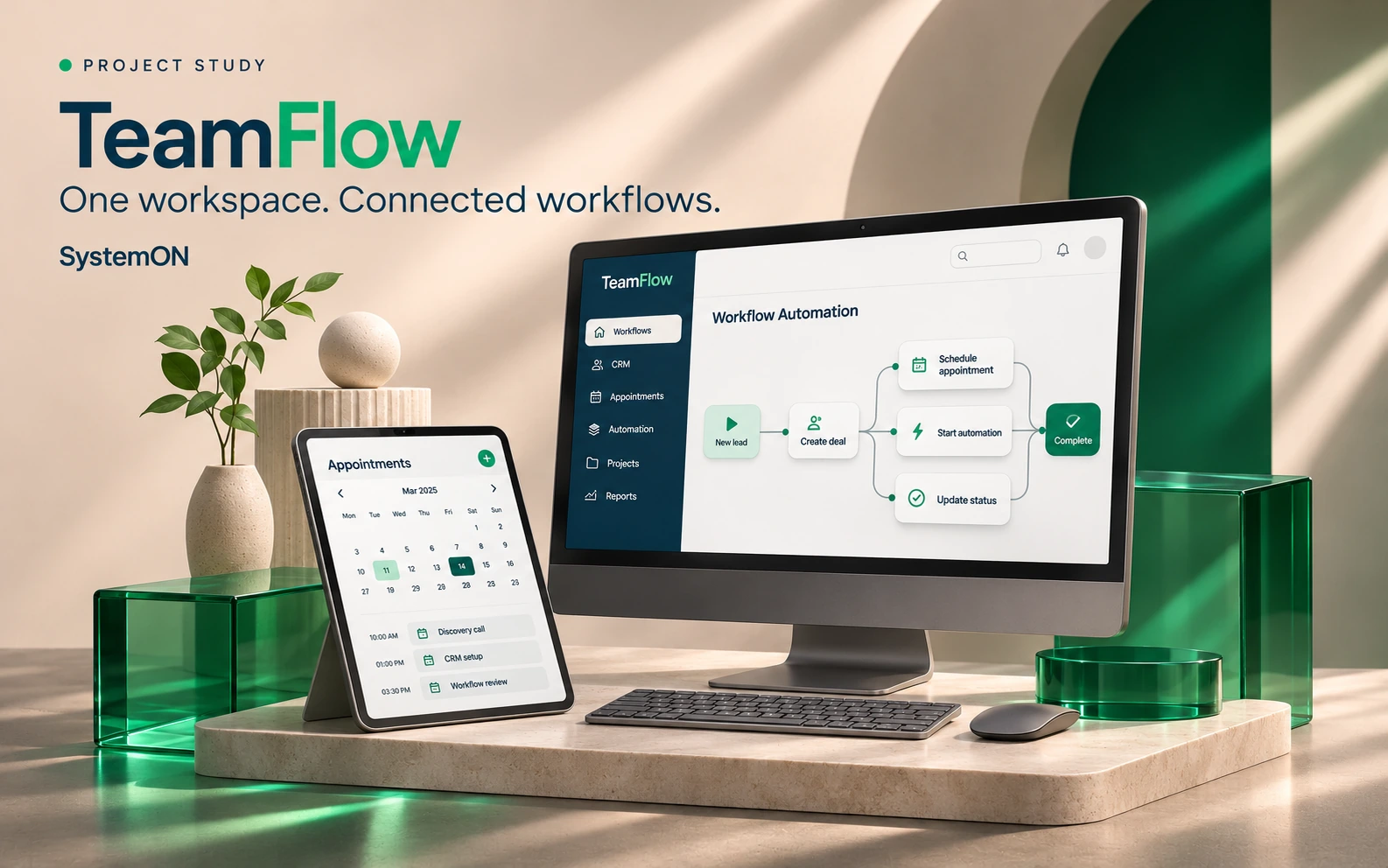
INSIDE THE APPLICATION
A closer look.
At the actual work.
Switch views. Open a screen at full size.
The customer journey should survive the handoff.
A new enquiry can move through contact records, appointment booking, conversations and sales opportunities. TeamFlow connects those operational steps with configurable workflows and a shared view of the work.
Designed around the daily work.
- Contacts, opportunities and team follow-ups
- Calendars, public booking and lead-capture forms
- Workflow triggers, branches, waits and execution history
- Campaign preparation, invoices and operational reporting
THE WORKFLOW / AN INTERACTIVE OVERVIEW
Follow the process.
Bring an enquiry into a contact record.
A connected process to explore with your team.
The supplied application includes CRM operations and workflow configuration. These screenshots use sample QA records. Provider-dependent messaging, payments and publishing require their own setup; a portfolio preview does not activate them.
An independent SystemON project, not affiliated with GoHighLevel. Screens show different documented iterations. Available features depend on the deployed release and configured integrations.
See where it fits.
Plan your next step.
Discuss your team, your process and the configuration a rollout would need.
Request a guided walkthrough ↗