
Both sides of the counter.
One connected store.
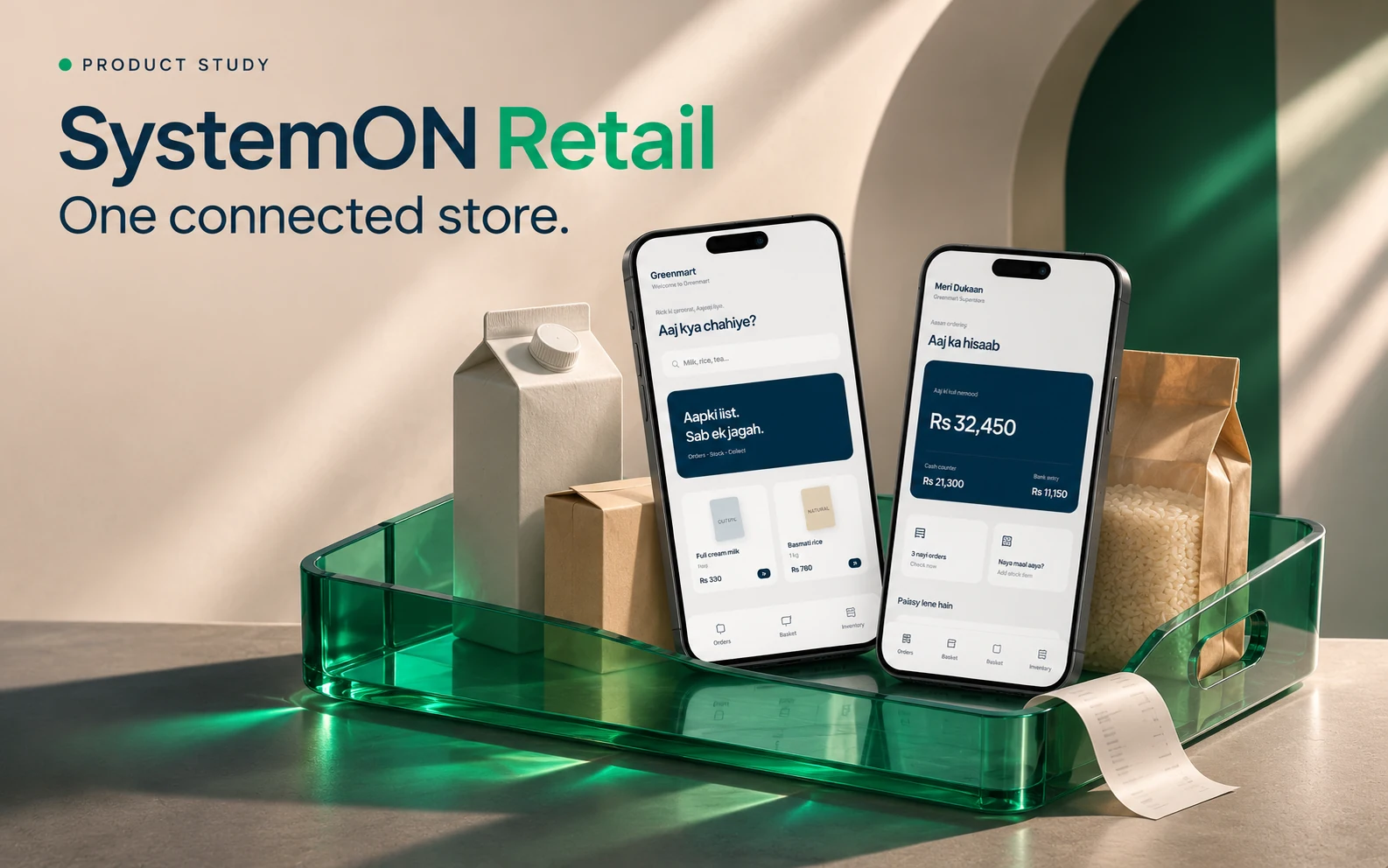
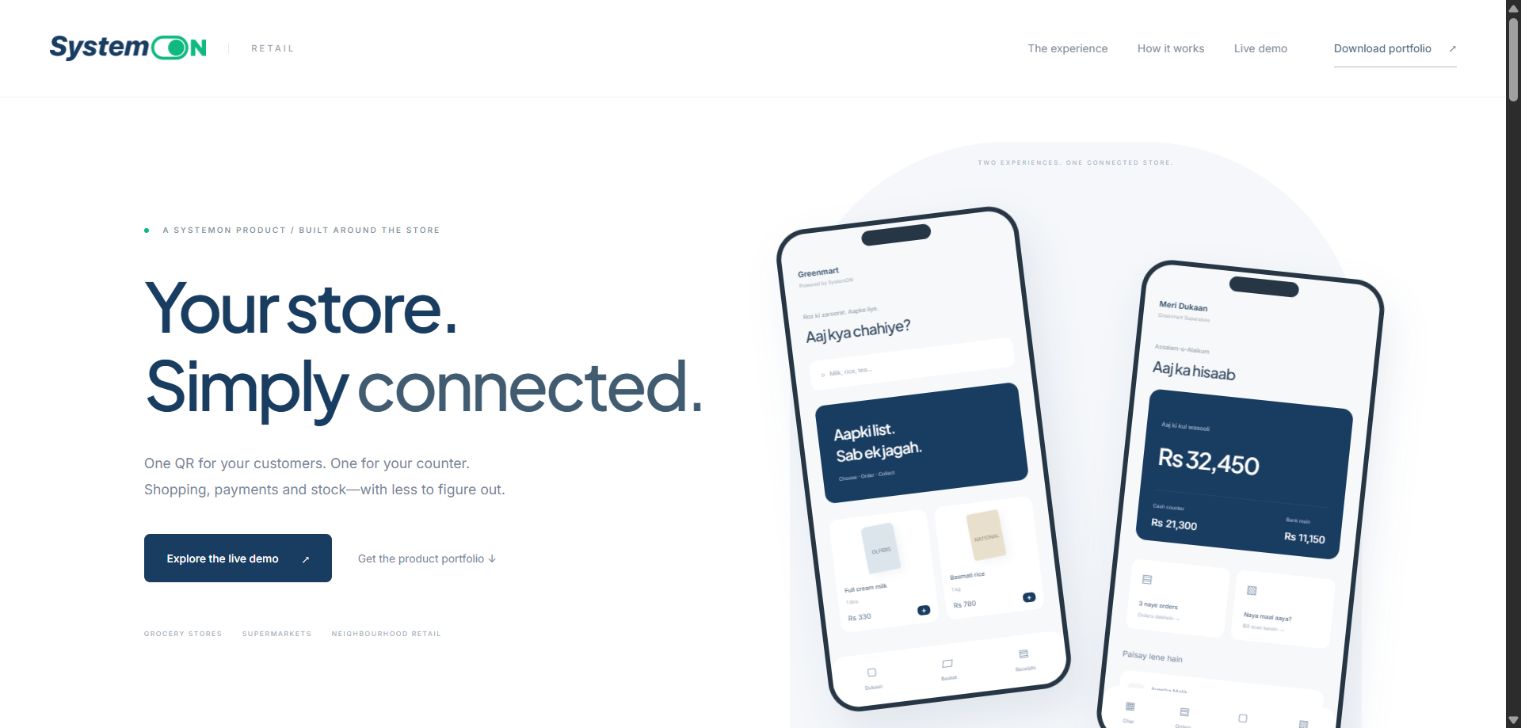
A retail product demonstration connecting the customer shopping journey with store orders, confirmed collections and shared inventory.
Demonstration uses sample products and totals. Bank payments are simulated. Live supplier messaging and production integrations require configuration.
A sale, a payment and a stock movement are different events.
A store needs to know what a customer ordered, whether payment has actually been received and what remains on the shelf. Those events need to stay connected without being confused. SystemON Retail separates the customer journey from the counter workflow while keeping a shared view of stock.
Two entry points. Clear ownership of each action.
The product presents a QR-based shopping experience for customers and a focused workspace for shopkeepers. Customers browse and order. Staff review orders and confirm collections. Cash and bank collections are tracked separately, and pending orders stay outside received totals until payment is confirmed.
- Customer browsing, basket and digital receipt journey
- Shopkeeper order review and payment confirmation
- Separate cash, bank and combined collection views
- Printed English supplier-bill extraction with review before stock receipt
- Product matching and duplicate invoice checks
An end-to-end store workflow to demonstrate.
The supplied project includes working customer and owner experiences, sample order flows and a bill-to-stock review journey. It is a product demonstration rather than evidence of a named production deployment. A rollout requires real catalog setup, staff access, backups, payment and messaging configuration, plus device and supplier-format validation.
Explore the workflow.
Discuss your use case.
Demonstration uses sample products and totals. Bank payments are simulated. Live supplier messaging and production integrations require configuration.
Request a guided walkthrough ↗Let's build around
the way you work.
Share your process, your users and what needs to improve.
Discuss your application ↗